Rearranging the model menu
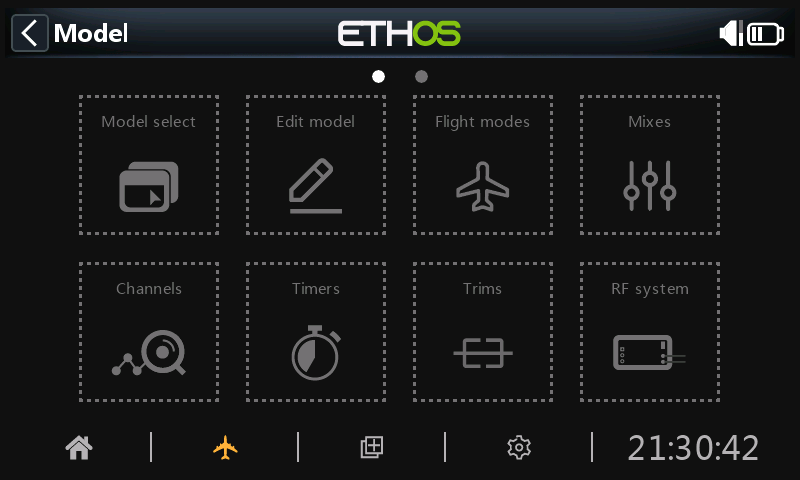
The model menu items can be rearranged to suit your preferences. Tap and hold long will enable the option. The model menu icons will be shown with dotted lines to indicate that the rearrangement option is active.
Note: This feature is not available on radios without a touchscreen.
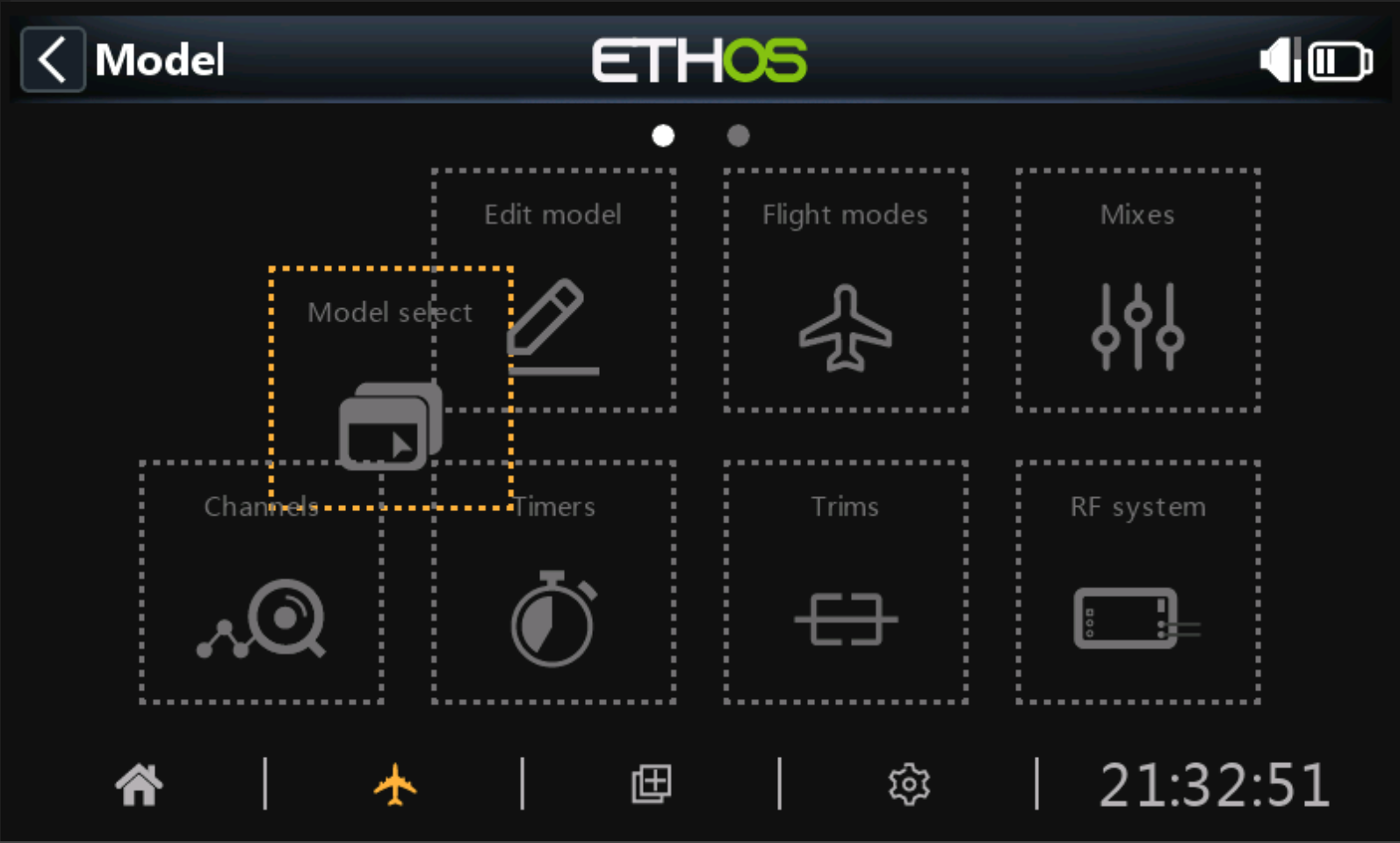
Model menu items can now be dragged around to suit. Tap outside the icons or press RTN to end editing.