Configure Screens
The main views are customized and configured by the Configure Screens top level function, which is accessed by the ‘Multiple Screens icon’ in the bottom menu bar.
The main views are user configurable by selecting widgets to display desired information such as telemetry and radio status etc. There can be up to eight user defined screens. The user can select from fifteen different screen widget configurations for each new screen with up to nine cells for displaying widgets. The widgets can display telemetry values, but also information from seventeen other different categories. Once the screens are configured with widgets they can be accessed using a touch swipe gesture or the Page Up/Down navigation controls. The top and bottom bar with their active icons remain displayed on all screens (except the full screen).
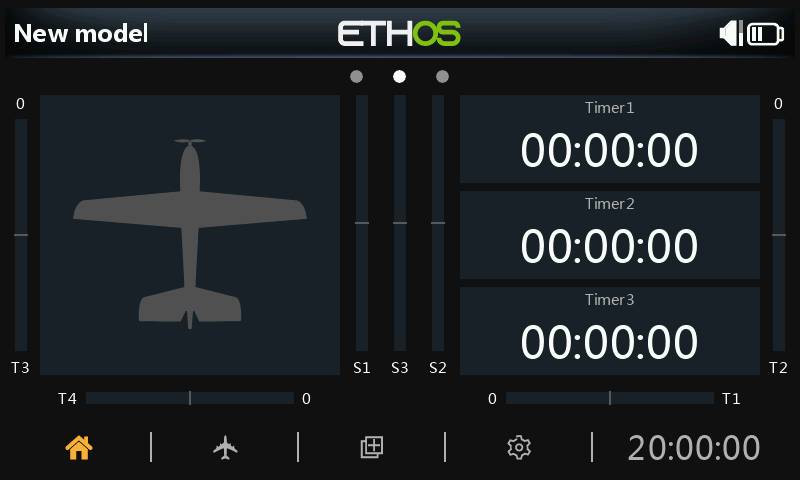
By default the main (first) screen has a large widget on the left to display the model’s bitmap, and three widgets on the right to display three timers. These widgets may be reconfigured to display other parameters, or the entire screen layout can be replaced by a newly defined screen with a different number of cells or cell layout.
Touching the ‘Multiple Screens icon’ in the middle of the main screen bottom bar brings up the first screen for configuring screens.