Managing main screens
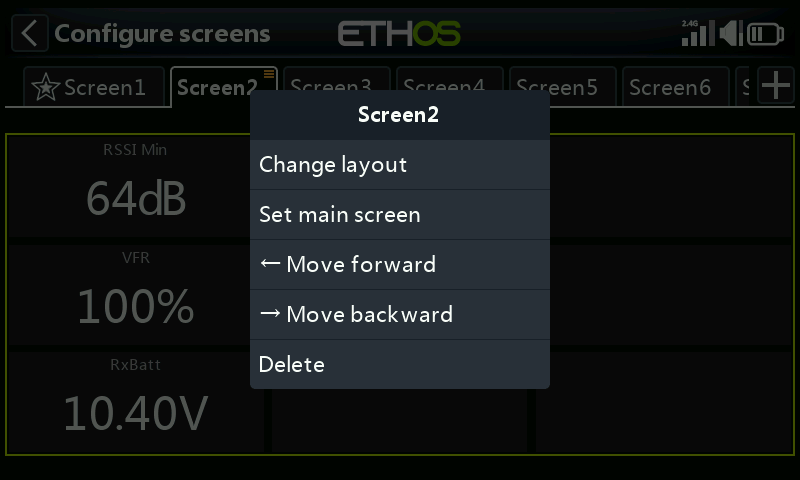
Screens may have their layout changed, be set as the main screen, and re-ordered or deleted. The screen management dialog is invoked by a long touch on the screen’s tab, or long press Enter.
Managing the top screen (XE series only)
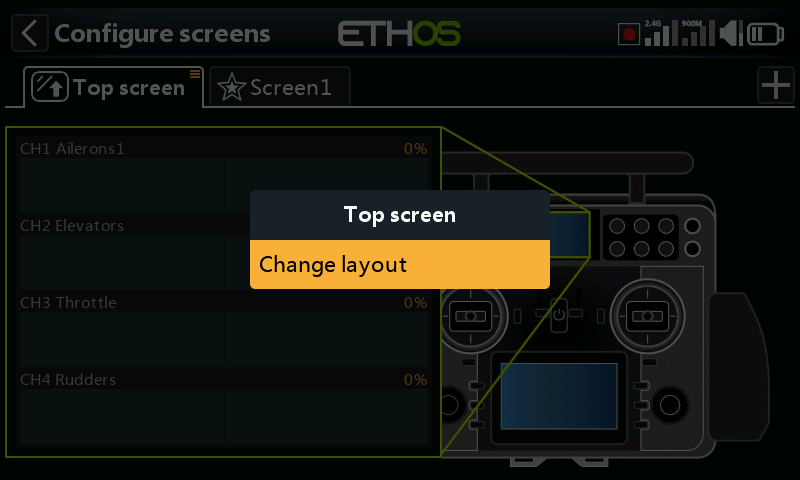
On the XE series the top screen may have its layout changed. The screen management dialog is invoked by a long touch on the screen’s tab, or long press Enter.
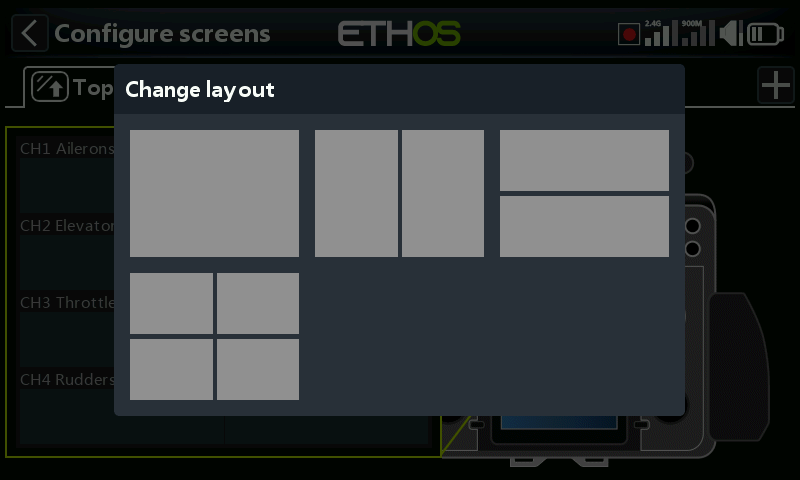
A dialog will open allowing you to select from 4 different top screen layouts.